> ## Documentation Index
> Fetch the complete documentation index at: https://docs.mrcook.app/llms.txt
> Use this file to discover all available pages before exploring further.
# Introduction
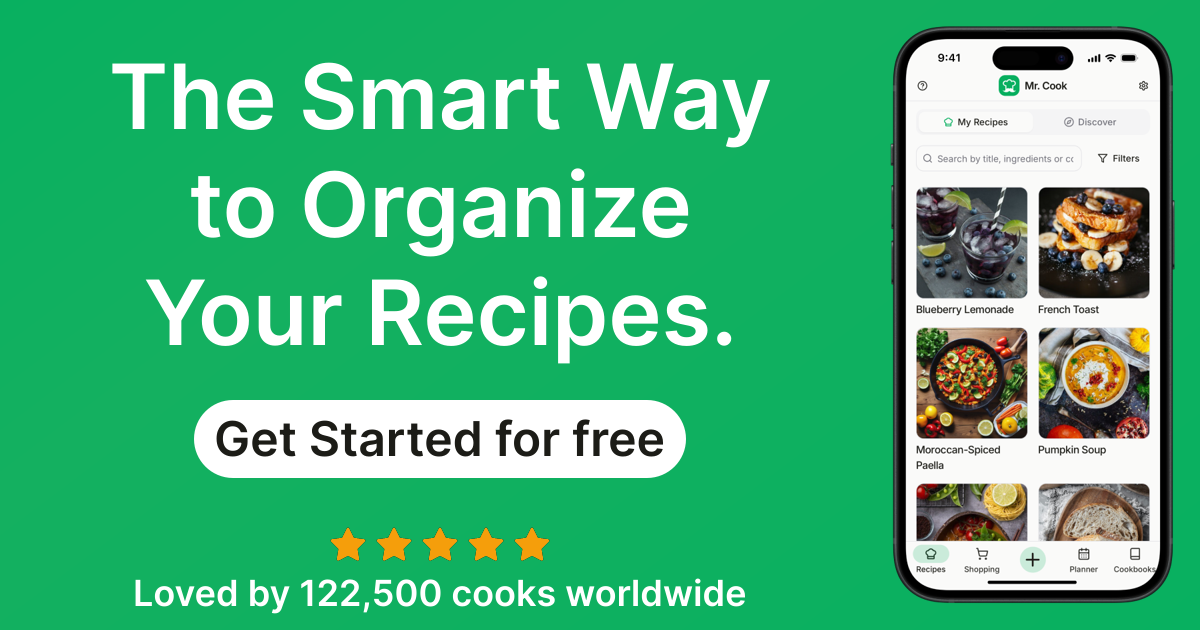
> Mr. Cook is the best AI-powered recipe generator and recipe management app. Learn how to get started with Mr. Cook.
 If you have any questions, please feel free to reach out to us at
[feedback@mrcook.app](mailto:feedback@mrcook.app) or post in our [feedback
board](https://www.mrcook.app/feedback/?sort=top).
## Features
Here are some of the features that Mr. Cook offers:
* [Recipe Generator with AI](/recipes/ai)
* [Cookbooks](/cookbooks/create)
* [Mobile App](https://www.mrcook.app/features/mobile)
* [Meal Planner](https://www.mrcook.app/features/meal-planner)
* [Automated Recipe Imports](https://www.mrcook.app/tools/recipe-importers)
## Getting Started
To get started with Mr. Cook, you can do any of the following:
Create a free account to get started with Mr. Cook
Learn how to add your first recipe
If you have any questions, please feel free to reach out to us at
[feedback@mrcook.app](mailto:feedback@mrcook.app) or post in our [feedback
board](https://www.mrcook.app/feedback/?sort=top).
## Features
Here are some of the features that Mr. Cook offers:
* [Recipe Generator with AI](/recipes/ai)
* [Cookbooks](/cookbooks/create)
* [Mobile App](https://www.mrcook.app/features/mobile)
* [Meal Planner](https://www.mrcook.app/features/meal-planner)
* [Automated Recipe Imports](https://www.mrcook.app/tools/recipe-importers)
## Getting Started
To get started with Mr. Cook, you can do any of the following:
Create a free account to get started with Mr. Cook
Learn how to add your first recipe