> ## Documentation Index
> Fetch the complete documentation index at: https://docs.mrcook.app/llms.txt
> Use this file to discover all available pages before exploring further.
# Invite others to your cookbook
> Invite your friends and family to your cookbook so you can share recipes and meal ideas.
If you haven't already created a cookbook, you can do so by following the
[guide](/cookbooks/create).
First go to [your cookbooks page](https://www.mrcook.app/cookbooks).
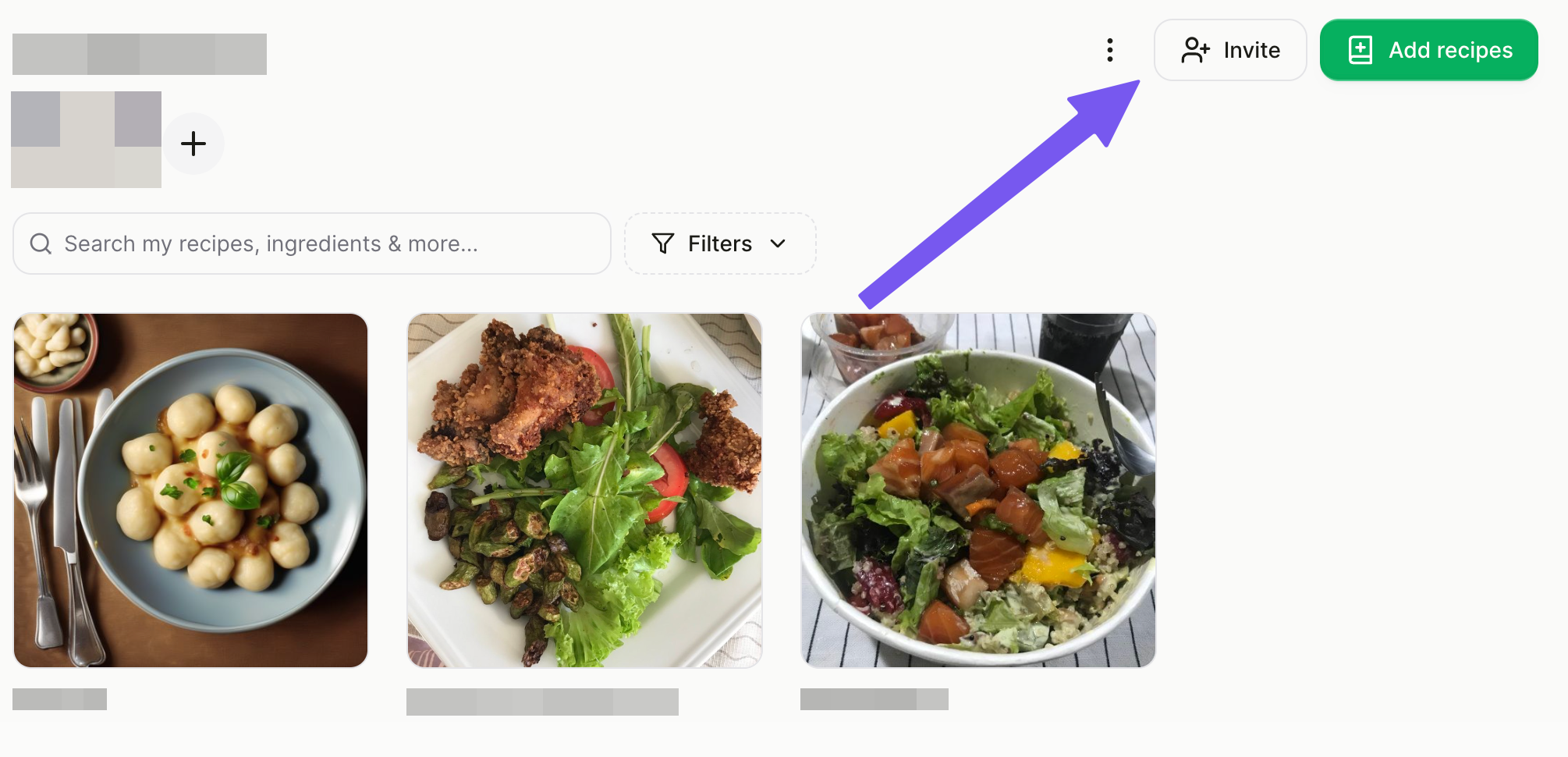
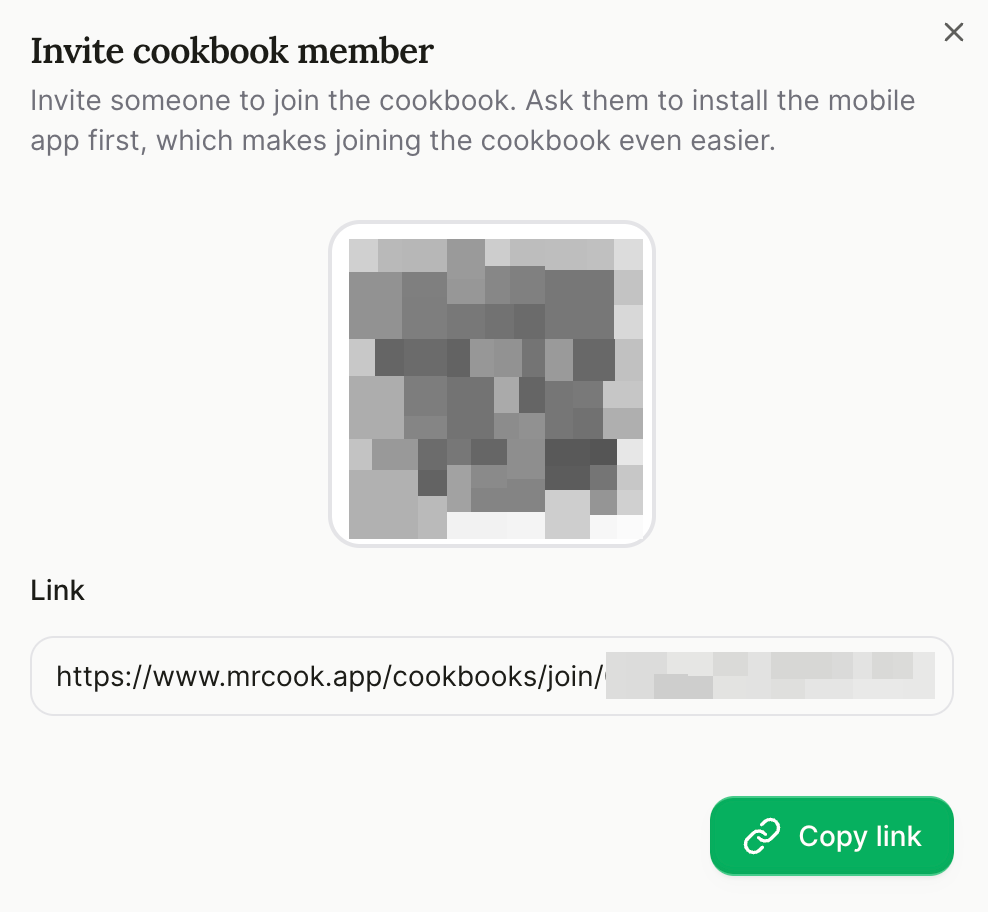 You can share the invite link with your friends and family. They can join
your cookbook by clicking the link.
There is also a QR code that your friends and family can scan to join your
cookbook.
You can share the invite link with your friends and family. They can join
your cookbook by clicking the link.
There is also a QR code that your friends and family can scan to join your
cookbook.