> ## Documentation Index
> Fetch the complete documentation index at: https://docs.mrcook.app/llms.txt
> Use this file to discover all available pages before exploring further.
# Create a cookbook
> Learn how to add a cookbook to Mr. Cook.
Cookbooks are a great way to organize your recipes. You can create a cookbook for a specific type of cuisine, a specific diet, or any other category you like.
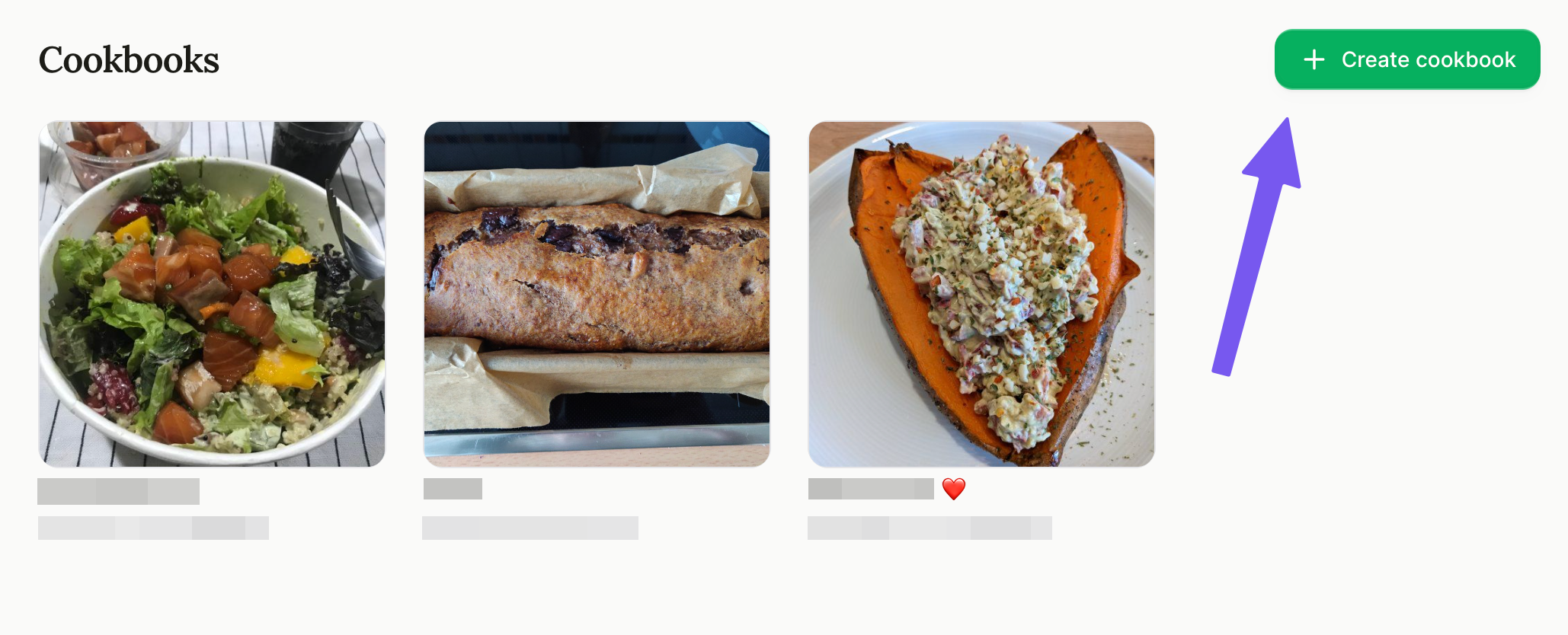
Here's how to add a cookbook to Mr. Cook:
First go to [your cookbooks page](https://www.mrcook.app/cookbooks).
 You can name your cookbook anything you like. For example, "Healthy
Recipes", "Italian Cuisine", or "Vegan Dishes".
You can change the name of your cookbook later if you want.
Invite your friends and family to your cookbook so you can share recipes and
meal ideas.
You can name your cookbook anything you like. For example, "Healthy
Recipes", "Italian Cuisine", or "Vegan Dishes".
You can change the name of your cookbook later if you want.
Invite your friends and family to your cookbook so you can share recipes and
meal ideas.